
AR‑Driven Design Review
Making Challenges Visible at Full Scale, in Real Space
An Innovative Solution for Product and Facility Design Review

Have You Ever Run Into These Common Design Review Issues?
It’s difficult to visualize interference, workflows, and ease of operation.
- Difficult to review the surrounding installation environment
- Misunderstandings arise due to differences in perceived scale
Late discovery of issues results in large rework costs.
- Certain issues are only discovered once on site, driving up change costs
- Problems identified for the first time at the site lead to increased modification costs.
Stakeholder alignment takes longer than expected.
- Differences in interpretation between on‑site teams, designers, and managers lead to delays in decision‑making.
- Misalignment across site, design, and management slows decision‑making

AR Design Review Deliver the Solution
AR Design Review visualizes 3D data at full scale, accelerating early design alignment and decision‑making.
By examining designs overlaid onto real environments, teams can identify potential issues early—issues that are difficult to detect using drawings or screen-based 3D models alone.
- AR visualization of 3D data at true scale in real environments for intuitive design validation
- Identify interference and layout issues early—before prototyping—to minimize rework.
- No drawings or CAD operation required—everyone shares the same model.
- Reviews can be conducted anywhere, without the need for physical products or prototypes.
"Transforming Invisible Design Issues into Clear Insights with AR”
SOLIZE PARTNERS offers this as an out‑of‑the‑box solution.
A Manufacturing‑Focused AR Design Review App
by SOLIZE PARTNERS
A ready‑to‑deploy AR design review environment for professional use—available at a packaged price.
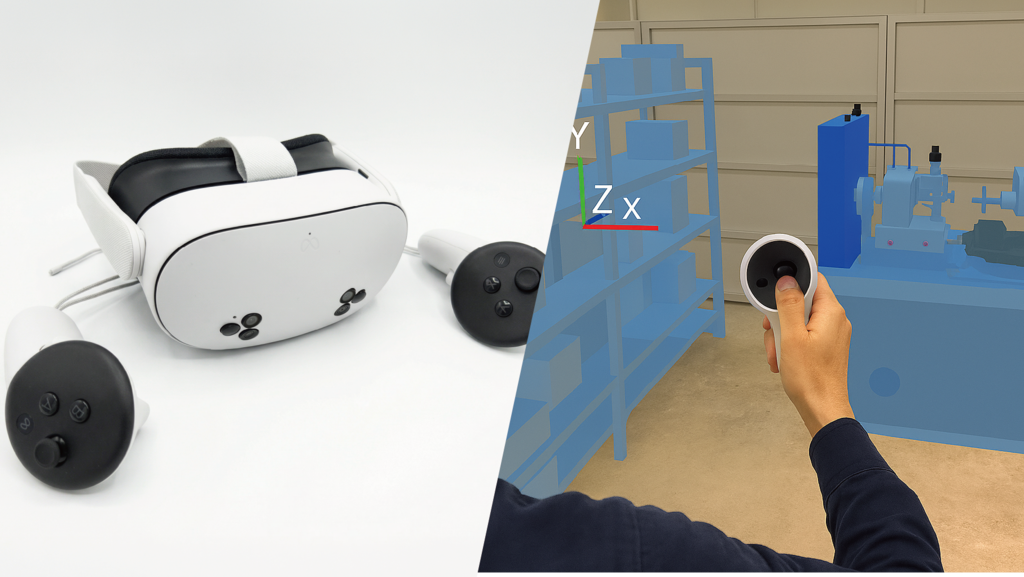
What’s Included in the Starter Set
-
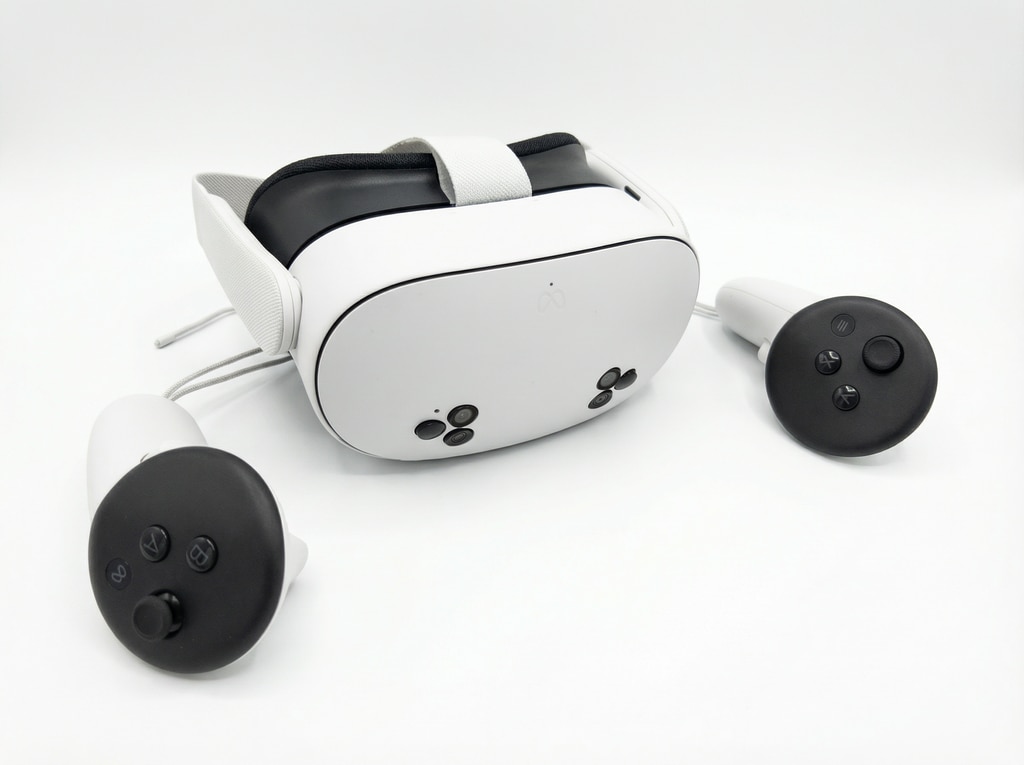
1× Meta Quest 3S (128 GB)
-
AR Design Review Application (Basic Feature Set)
Standard Features
-
AR display of 3D models
-
Model scaling (enlarge/reduce size)
-
Free movement and placement
-
Simple model transfer from PC
Requirements
- 3D model data to be displayed (Supported formats: FBX, OBJ, STL, GLB, glTF 2.0, PLY)
Features of the AR Design Review Starter Kit
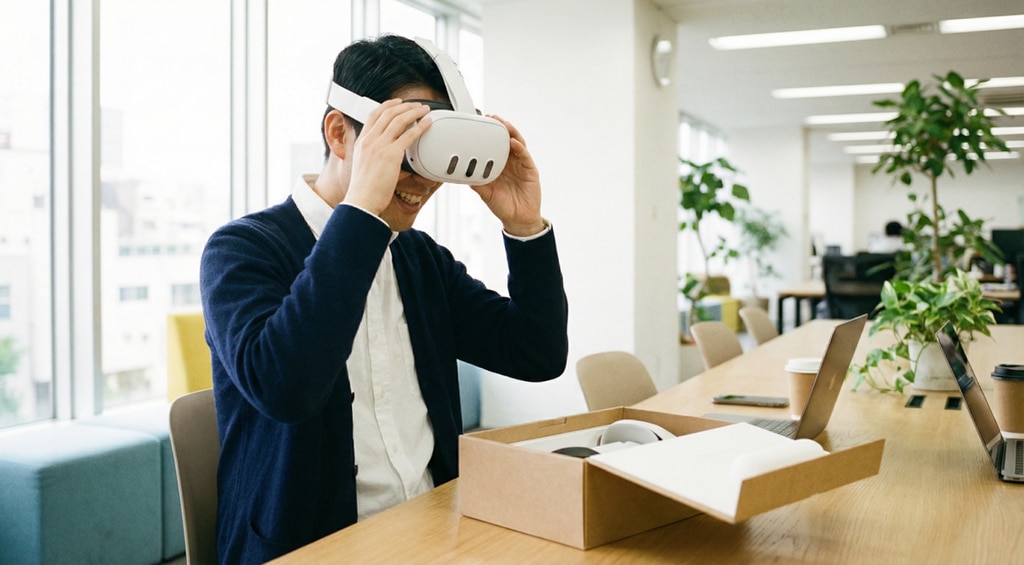
Deploy quickly with minimal setup.
Start design reviews immediately upon delivery.
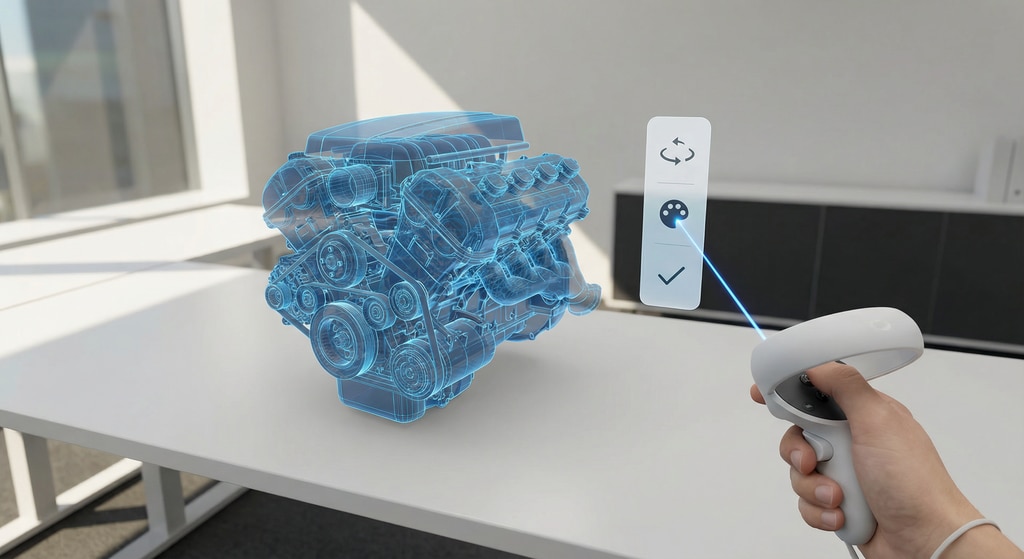
Affordable solution focused on essential functionality.
A practical configuration focused on real on‑site needs.
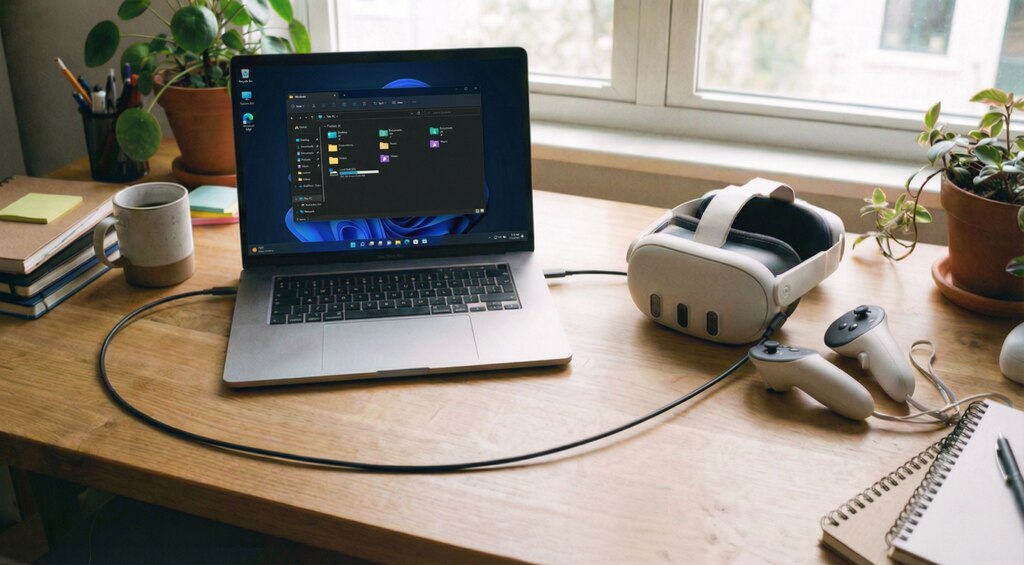
Quick and easy 3D model uploading
Easily transfer 3D models from your PC.

A Wide Range of Add‑On Options
Allows phased expansion according to specific use cases.
Typical Use Cases
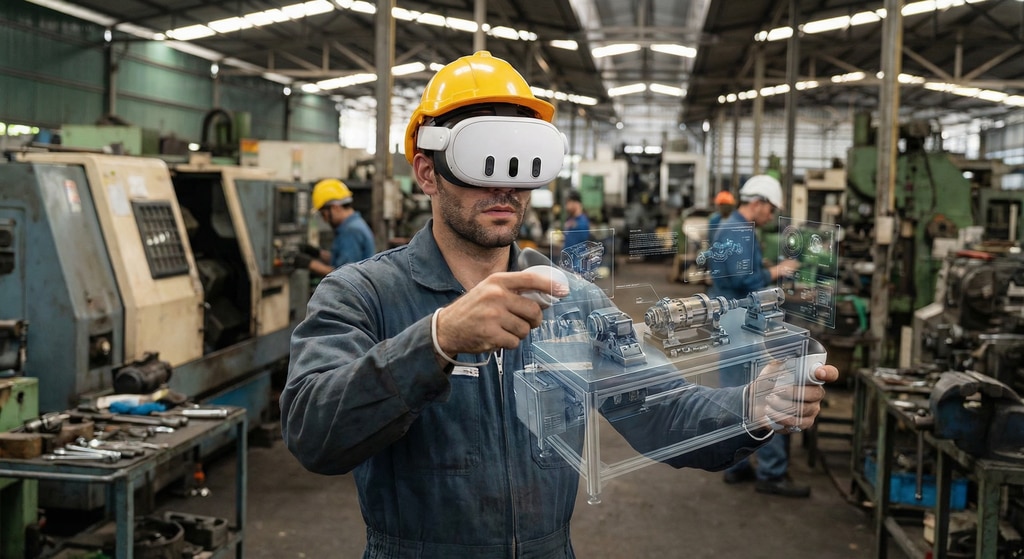
On‑site evaluation prior to
equipment deployment
Use AR to place planned equipment models in the factory for workflow and space verification, and to align understanding with on‑site teams.
<Expected Outcomes>
- Reduced risk of issues after deployment
- Proactive optimization of layout changes
- Accelerated on‑site alignment and decision‑making
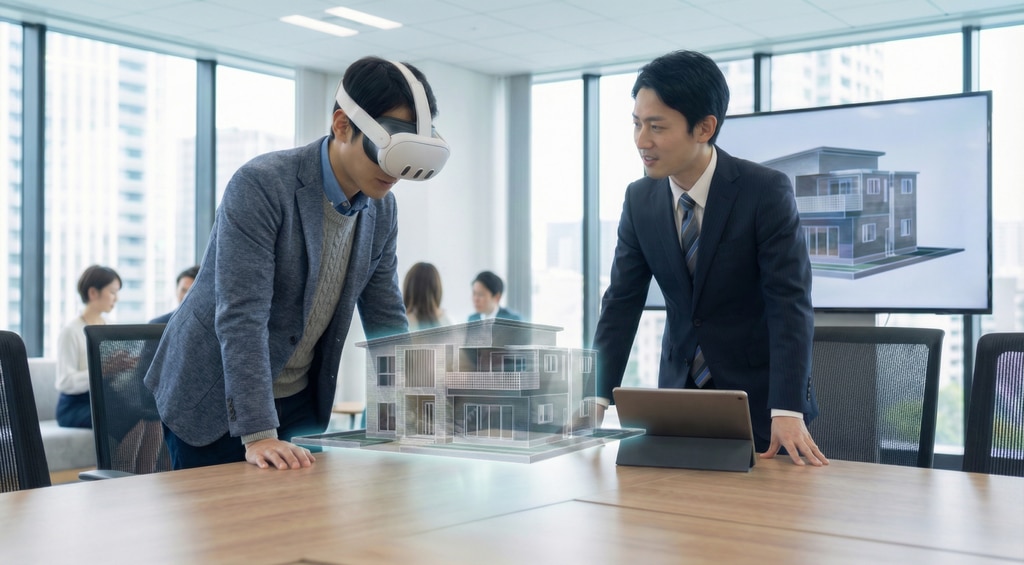
Project Meetings and
Design Reviews
Use AR to display 3D in house models at construction sites or showrooms, giving clients a tangible sense of the completed design.
<Expected Outcomes>
- Higher client understanding and acceptance
- Accelerated decision‑making in a reduced timeframe
- Shared spatial understanding beyond what drawings can communicate
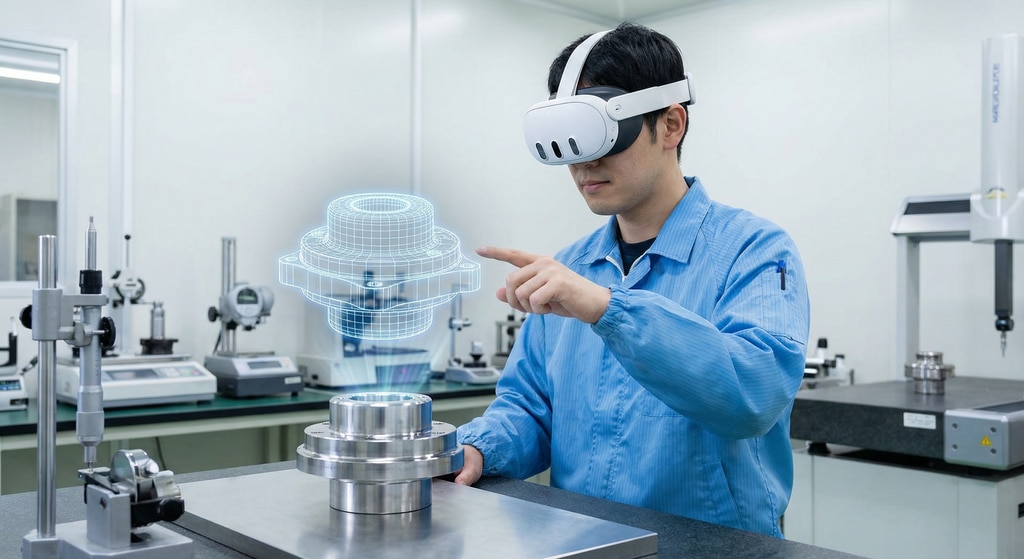
Visual Checks in the Inspection Process
Visually compare completed products with overlaid 3D models to check for dimensional, shape, and positional deviations.
<Expected Outcomes>
- Fewer mistakes and missed issues
- Accurate inspections possible even for inexperienced staff, lowering training effort
Service Plans & Pricing
AR Design Review Starter Kit
99,800 Yen(before tax) / 1Set
- Meta Quest 3S(128GB) 1x
- AR Design Review Application (Basic Features)
Optional Add‑Ons
Optional add‑ons can be combined with the Starter Kit to deliver a design review solution tailored to your requirements.
※Additional fees apply for optional features.
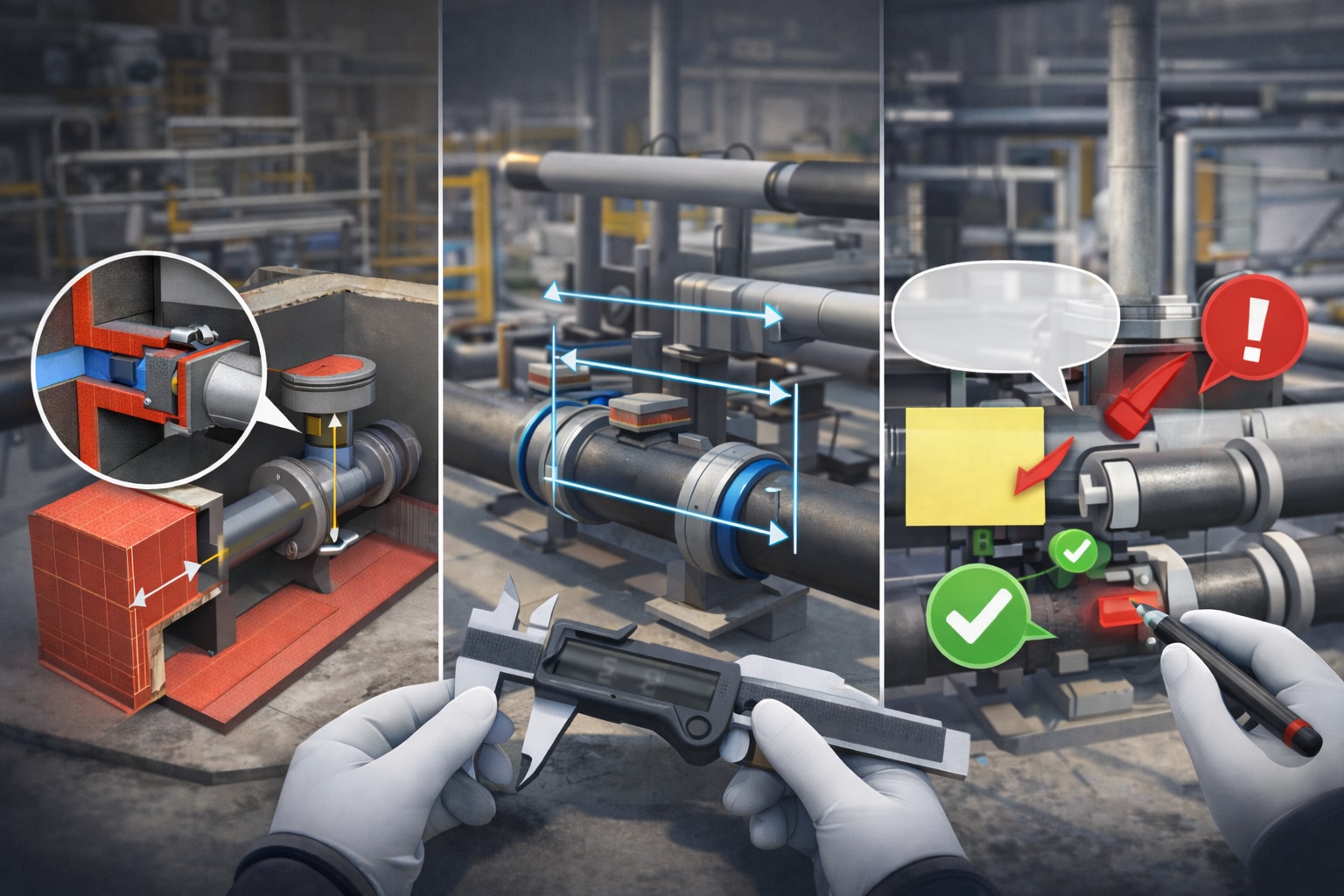
Additional Features
By adding features such as cross‑section visualization, dimension measurement, and annotations, the design review environment can be flexibly expanded to meet your needs.
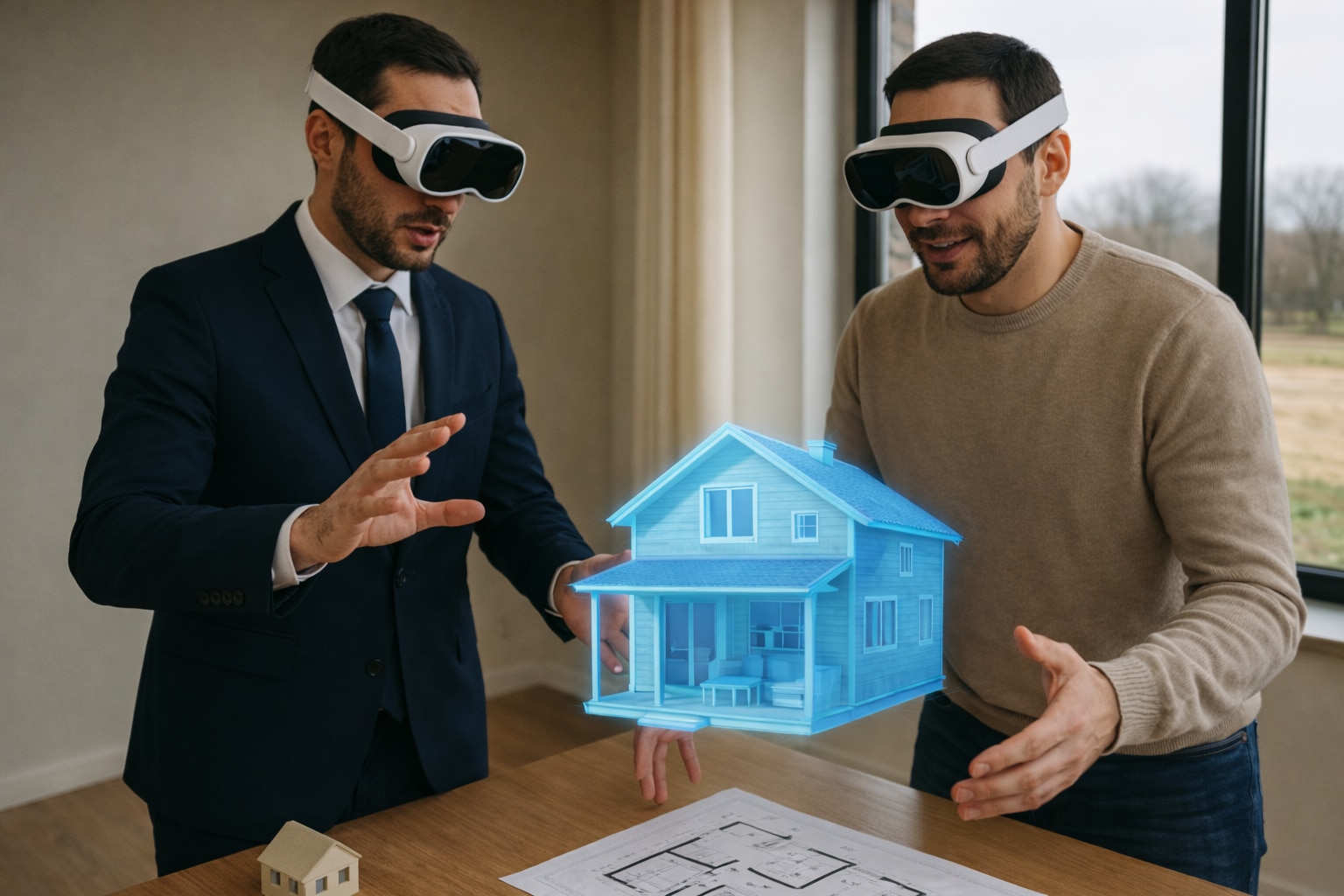
Metaverse‑Style Collaborative
Design Review
Multiple users can join the same virtual space simultaneously and conduct design reviews in a metaverse‑like environment, enabling remote participation and collaborative reviews across locations.
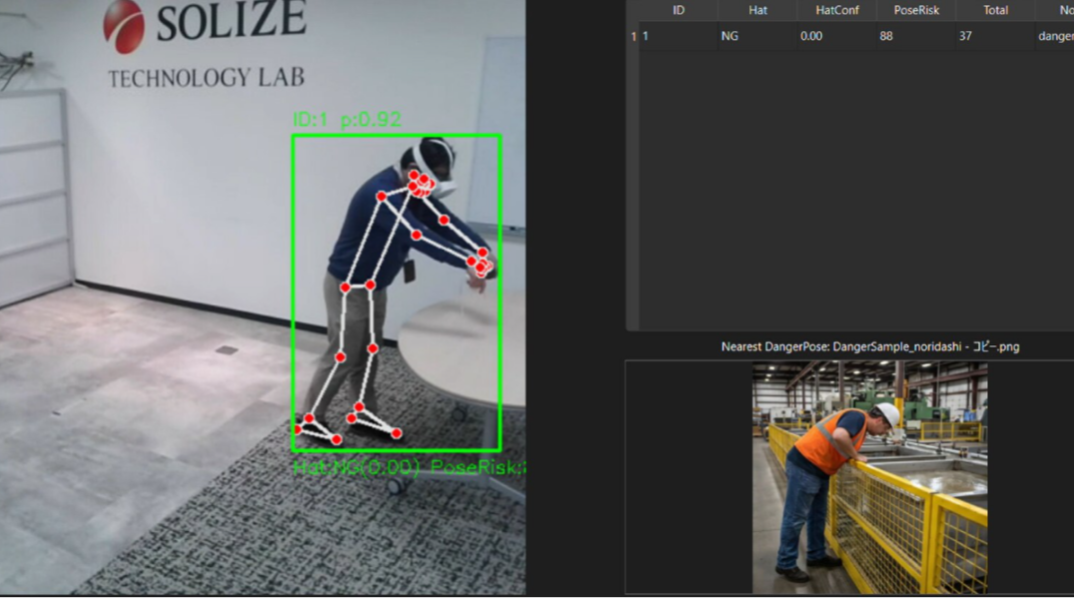
AI‑Powered Functionality
AI‑enhanced design reviews use human pose estimation to uncover safety risks earlier and more effectively than traditional approaches.
FAQs
Q.
What kind of 3D data can I use?
A.
The application supports FBX, OBJ, STL, glTF 2.0, GLB, and PLY formats.
Q.
Is cloud storage required for transferring data?
A.
No. Our solution enables USB‑based 3D data transfer for each device, allowing secure and reliable operation without relying on cloud connectivity—even in tightly controlled environments.
Q.
Can multiple participants join and review simultaneously?
A.
The Starter Kit does not support simultaneous multi‑user reviews by default; multi‑user functionality is available as an optional feature.
Q.
Do you offer a trial prior to purchase?
A.
We offer on‑site demonstrations so you can evaluate the solution before purchase.

© 2026 SOLIZE Corporation All Rights Reserved.